
Lembic turns an iMessage conversation on your Mac into a clean transcript that you can give to ChatGPT, Claude, or Gemini. Lembic 1.1 is here, and it is free for everyone who bought 1.0. This post tells you what changed and how to update.
The new window starts with three choices
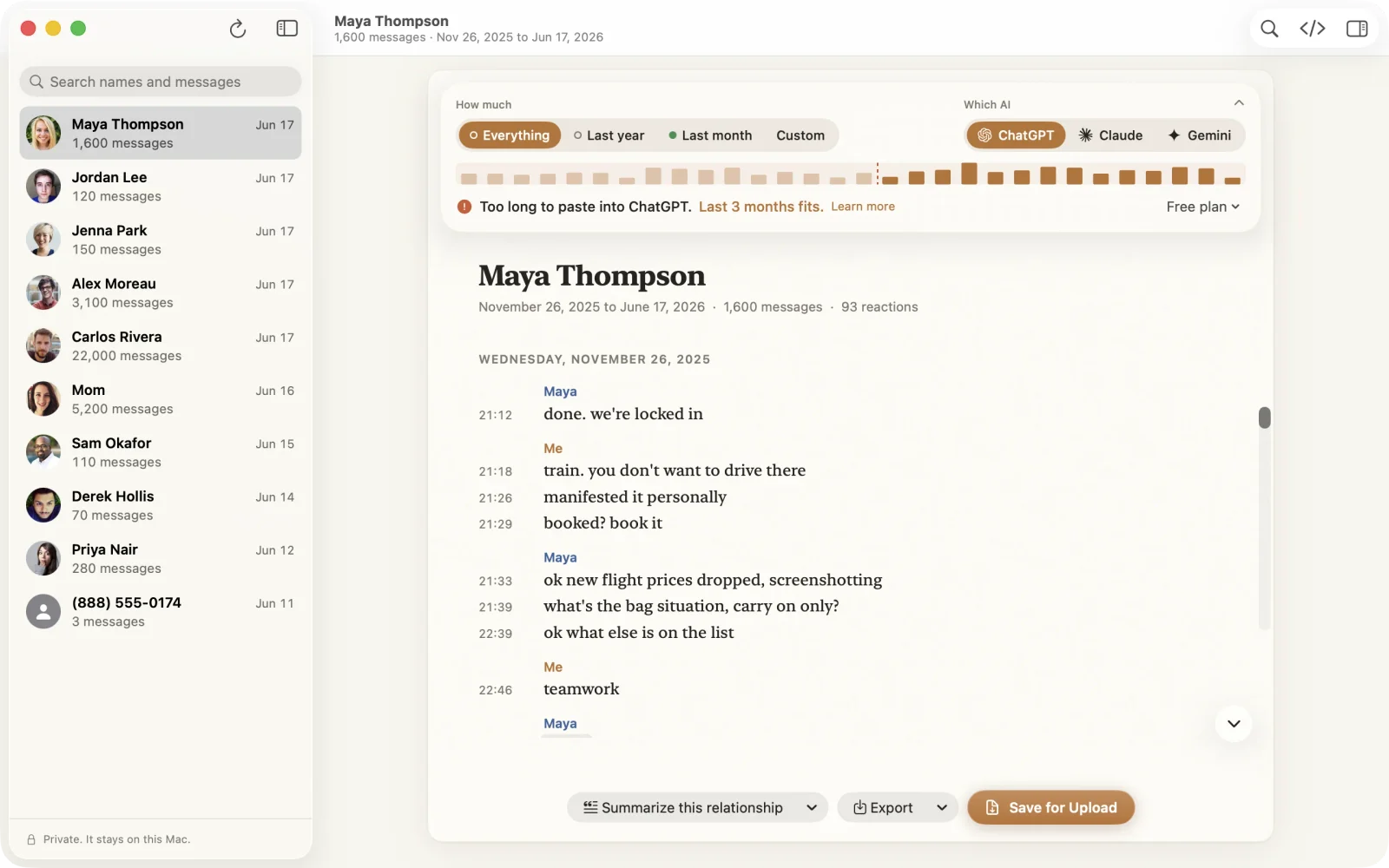
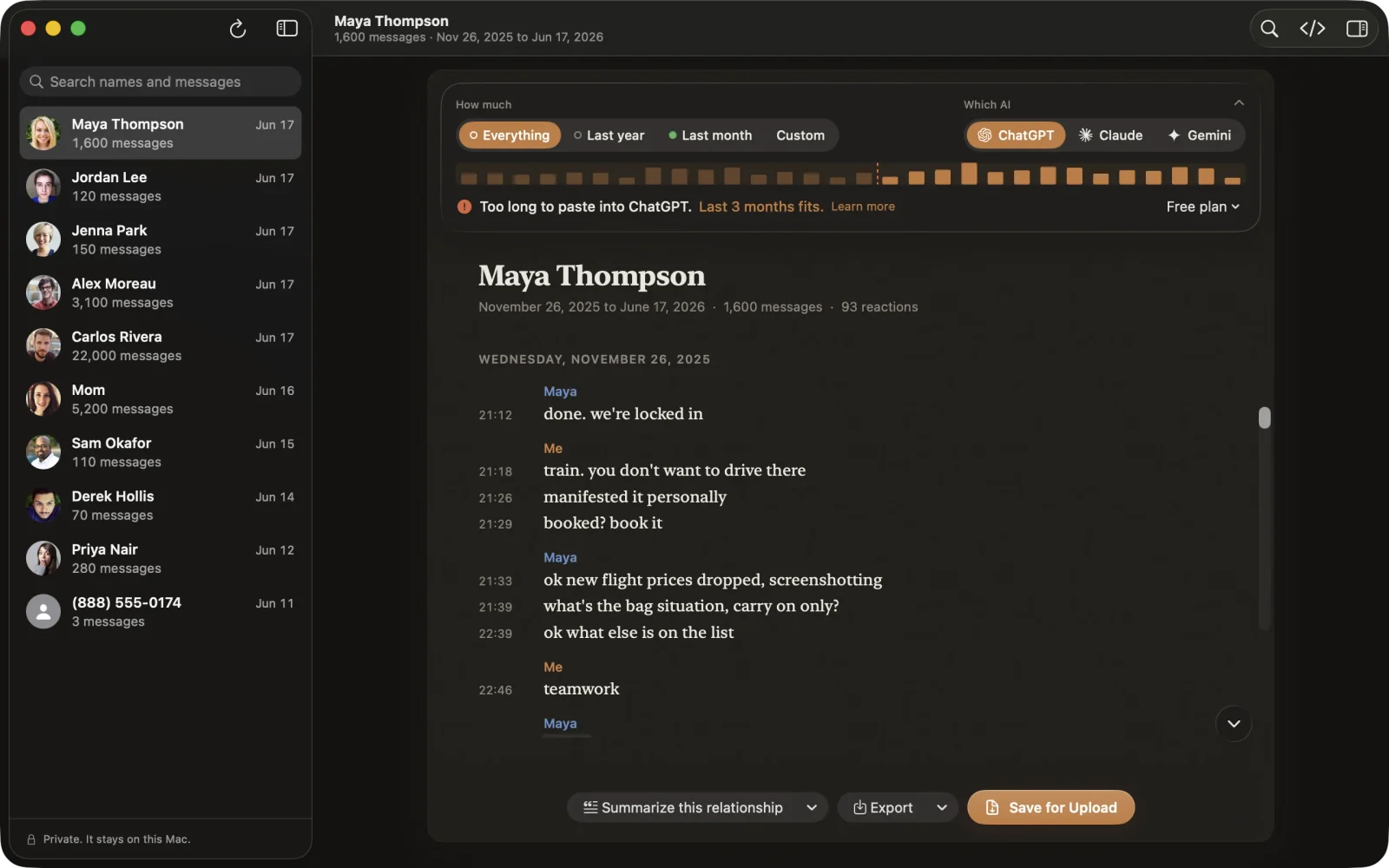
When you open Lembic, you choose three things: who, how much, and which AI.
Pick a contact. Then use the timeline to choose how much of the conversation you want. Then pick your AI.
Below your choices, one plain sentence tells you if the transcript fits. For example:
- “Fits in one ChatGPT message.”
- “Too long to paste into ChatGPT. Last 3 months fits.”
You do not have to guess, and you do not have to count tokens. If you want the details, a Help article lists the limits for each AI.
You can read and protect your transcript in place
A conversation can contain things that you do not want to give to an AI. Lembic flags sensitive details right in the transcript, such as passwords, card numbers, and ID numbers.
- Click a flagged item to redact it.
- Click Redact All to redact every flagged item.
- Press ⌘Z to undo.
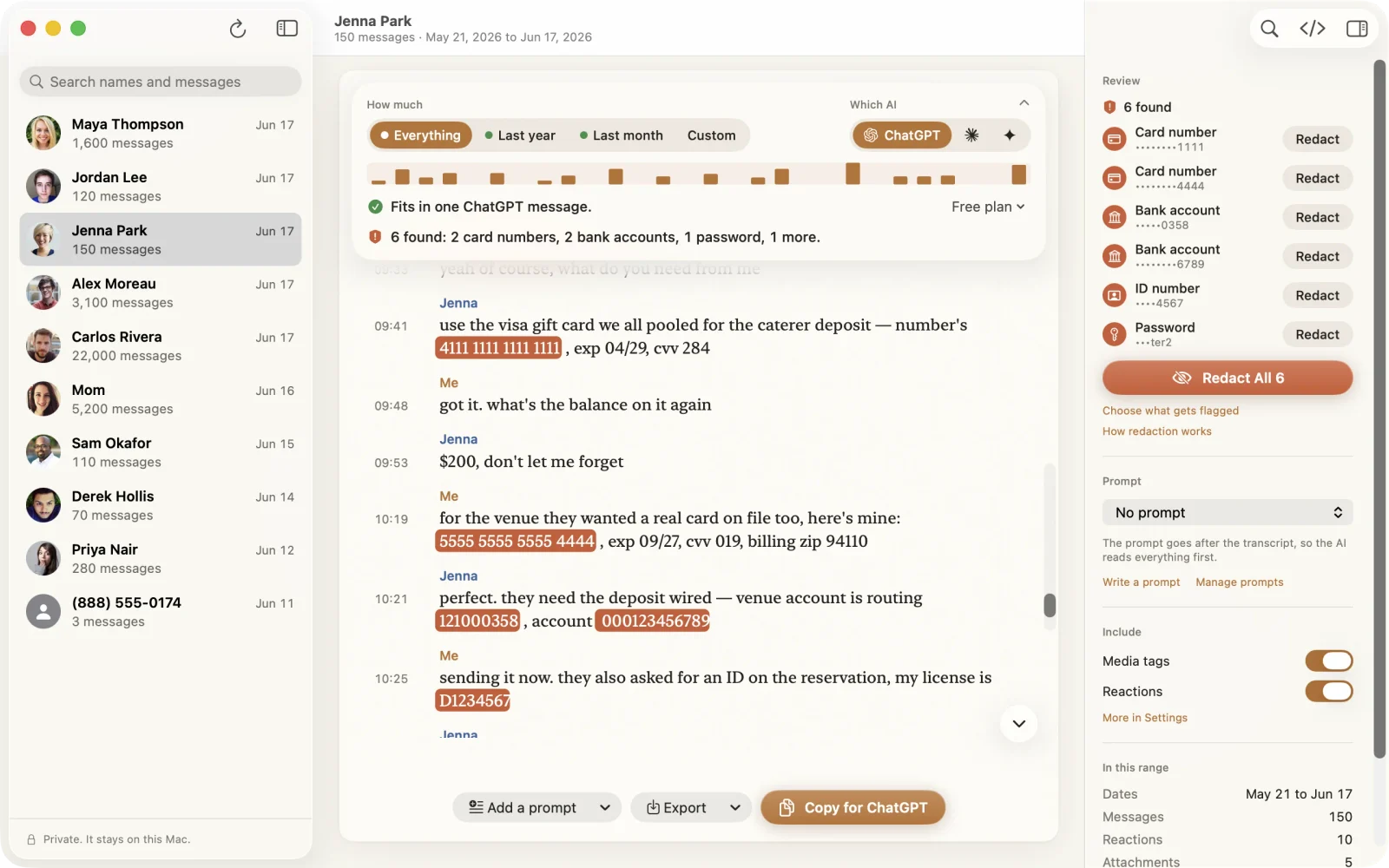
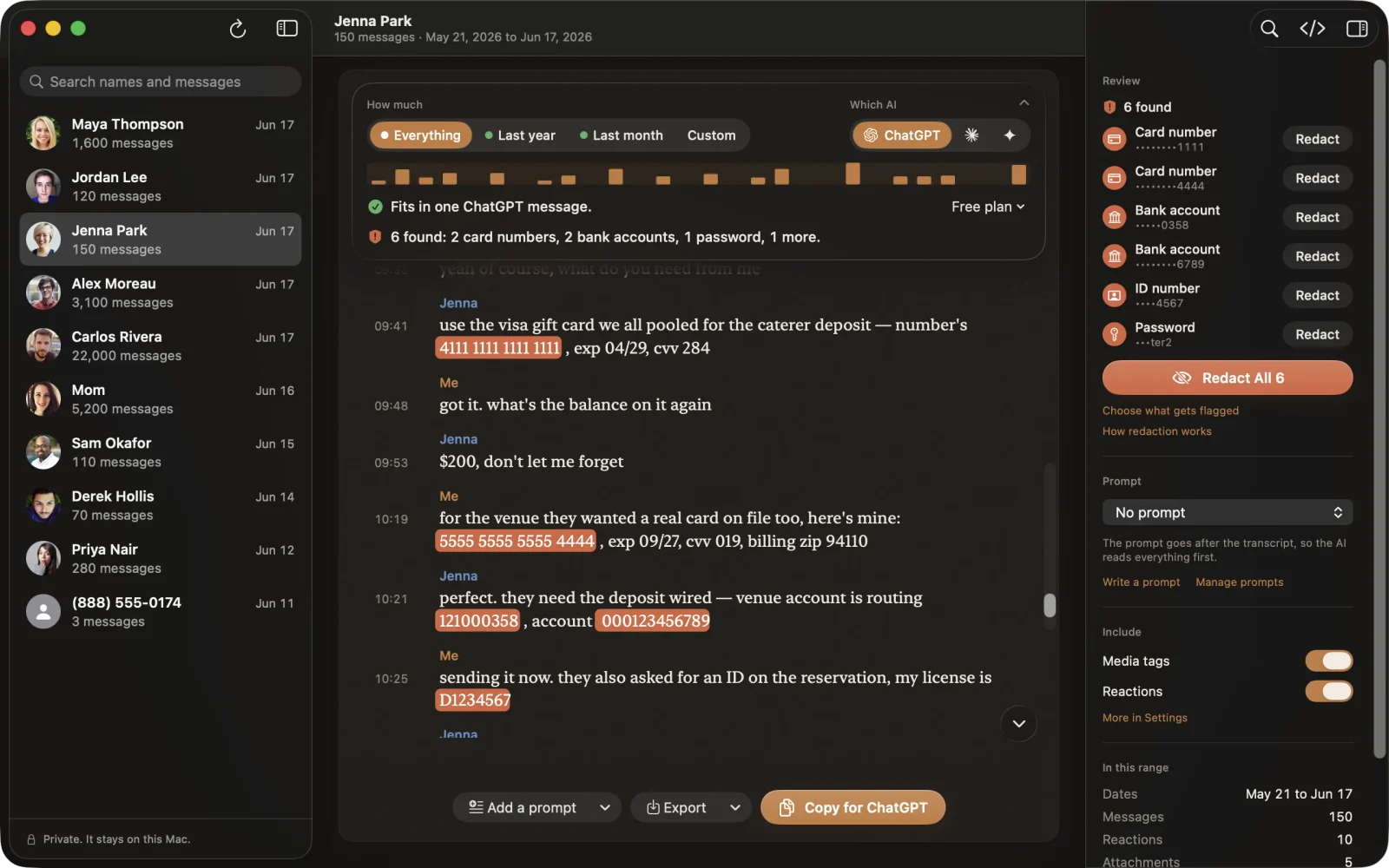
Redaction helps you find these details. It does not find everything. You are the last person to read the transcript before it goes to your AI, so read it.
My Prompts and Quick Copy save you steps
My Prompts lets you write your own prompts and save them. If you ask your AI the same question each week, write it one time and use it again.
Quick Copy works in any app. Press ⌃⌥L to copy a conversation, then paste it where you want it. You do not have to open the Lembic window first.
Lembic 1.1 also adds actions for the Shortcuts app, so you can put Lembic into your own automations.
The transcript is better, and you can check the code
The engine that reads your messages is called LembicKit. It is open source on GitHub, so you can read the code yourself.
In 1.1, LembicKit reads more of what is in a conversation:
- Apple Cash payments
- Polls
- Transcriptions of voice notes
- Stickers
- Unsent messages, which it handles safely
- Time zones
There are more fixes than this list. The LembicKit changelog shows all of them.
Your messages stay on your Mac
This did not change. Your messages stay on your Mac until you copy or export them.
Only two things go online: the license check and the update check. After you update to 1.1, Lembic checks your license one time.
Lembic is easier to use for more people
- VoiceOver labels.
- Support for Increase Contrast and Reduce Transparency.
- Lembic reopens where you left off.
- A new Help window.
Lembic runs on macOS 14 or later.
Prices change in 1.1, and you keep what you bought
From 1.1, Standard is $24.99 and Pro is $39.99. Both are a one-time price, with no subscription.
If you already bought Lembic, you keep everything and you pay nothing. If you own Standard and want Pro, you can upgrade for $15.
If you have not bought Lembic yet, use the code FOUNDING50 for 50% off. The code works until November 30. See pricing for the details.
How to update, and where to get help
To update, open Lembic and choose Lembic > Check for Updates.
If you have a question, the FAQ has answers to the common ones.
If Lembic cannot read your messages after the update, do these steps:
- Open System Settings › Privacy & Security › Full Disk Access.
- Select Lembic and remove it with the minus (−) button.
- Add Lembic again with the plus (+) button, and turn it on.
- Reopen Lembic.
Lembic 1.1 has a new developer signature, and macOS connects Full Disk Access to that signature. So the old switch can look on but not work. The steps above fix this.
If you do not have Lembic yet, download Lembic.