

Export your iMessages. Any conversation, any format.
Save any iMessage thread, or your whole history, as a PDF, CSV, Word, or Excel file. It runs on your Mac. No subscription, no Terminal.
Free to download. A one-time purchase unlocks exporting.
Apple gives you no real way to export your messages.
The Messages app has no export button. The tools that fill the gap were each built for a different job:
Copy and paste, or Print to PDF
Apple's only built-in route. You do it one screen at a time, and you lose dates, names, and everything that has scrolled out of reach.
Paid apps like iMazing
Powerful, but iMazing now charges a yearly subscription, and most apps in this class are built for legal discovery rather than getting your own messages out.
Free command-line tools
imessage-exporter is genuinely good if you live in the Terminal. Most people do not want to install Rust and learn command-line flags to read their own texts.
You just want your conversations out, in a format you can open. That is the whole job Lembic does.
How Lembic compares
| Lembic | iMazing | imessage-exporter | Decipher | Print / copy-paste | |
|---|---|---|---|---|---|
| Price | Once, from $9.99 | ~$65 a year | Free | Once, $29.99 | Free |
| No Terminal needed | Yes | Yes | No | Yes | Yes |
| PDF, CSV, Word, Excel | All four | PDF, CSV, Excel | Text and HTML only | PDF and CSV | No |
| Whole history in one pass | Yes | Yes | Yes | One thread at a time | No |
| Group chats and attachments | Yes | Yes | Yes | Yes | Painful |
iMazing and Decipher are solid, built mostly for legal and eDiscovery work. Lembic is built for getting your own messages out, without a subscription. For a full rundown of every method, see our guide to exporting an iMessage conversation.
Export the format you actually need.
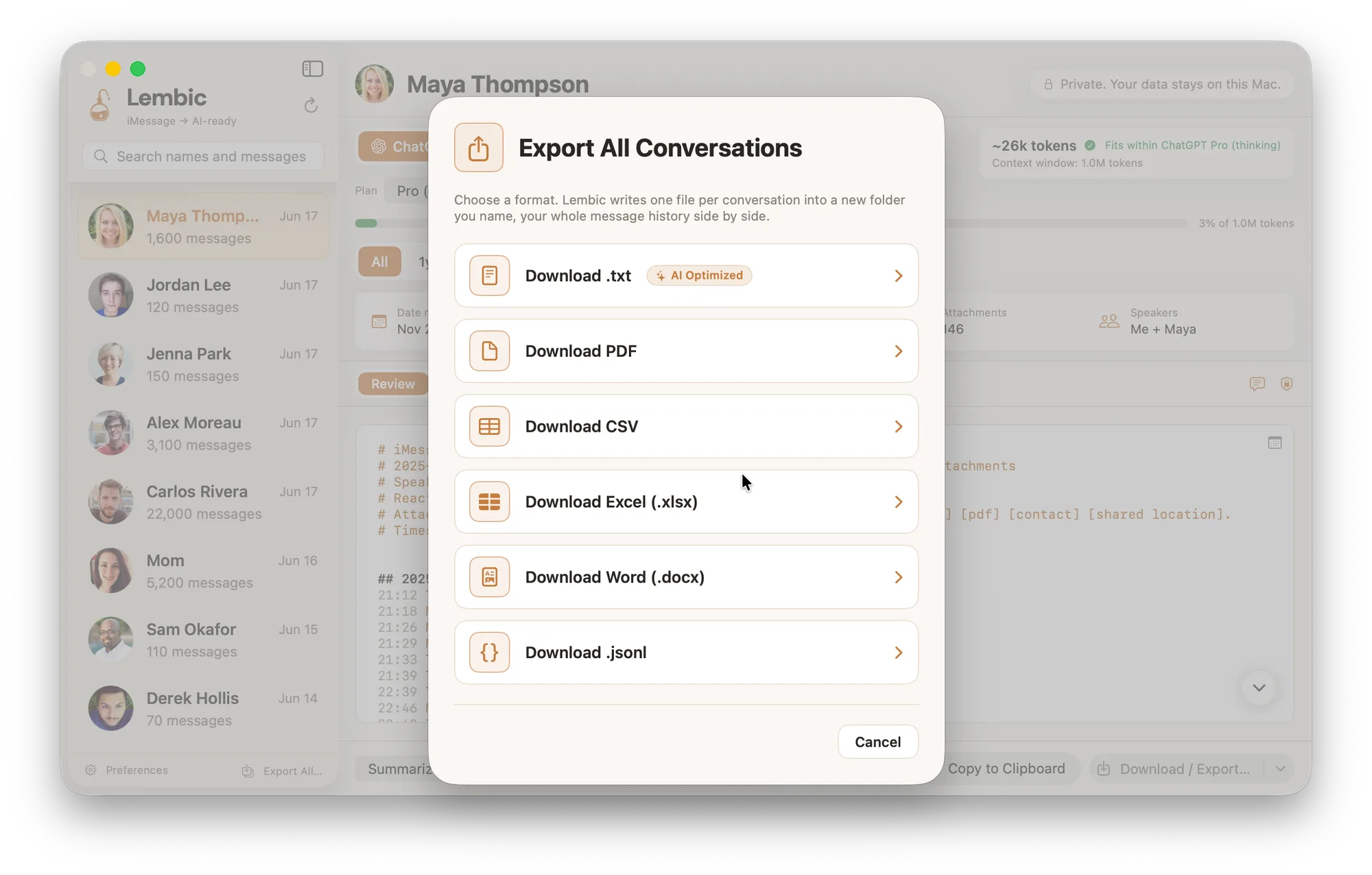
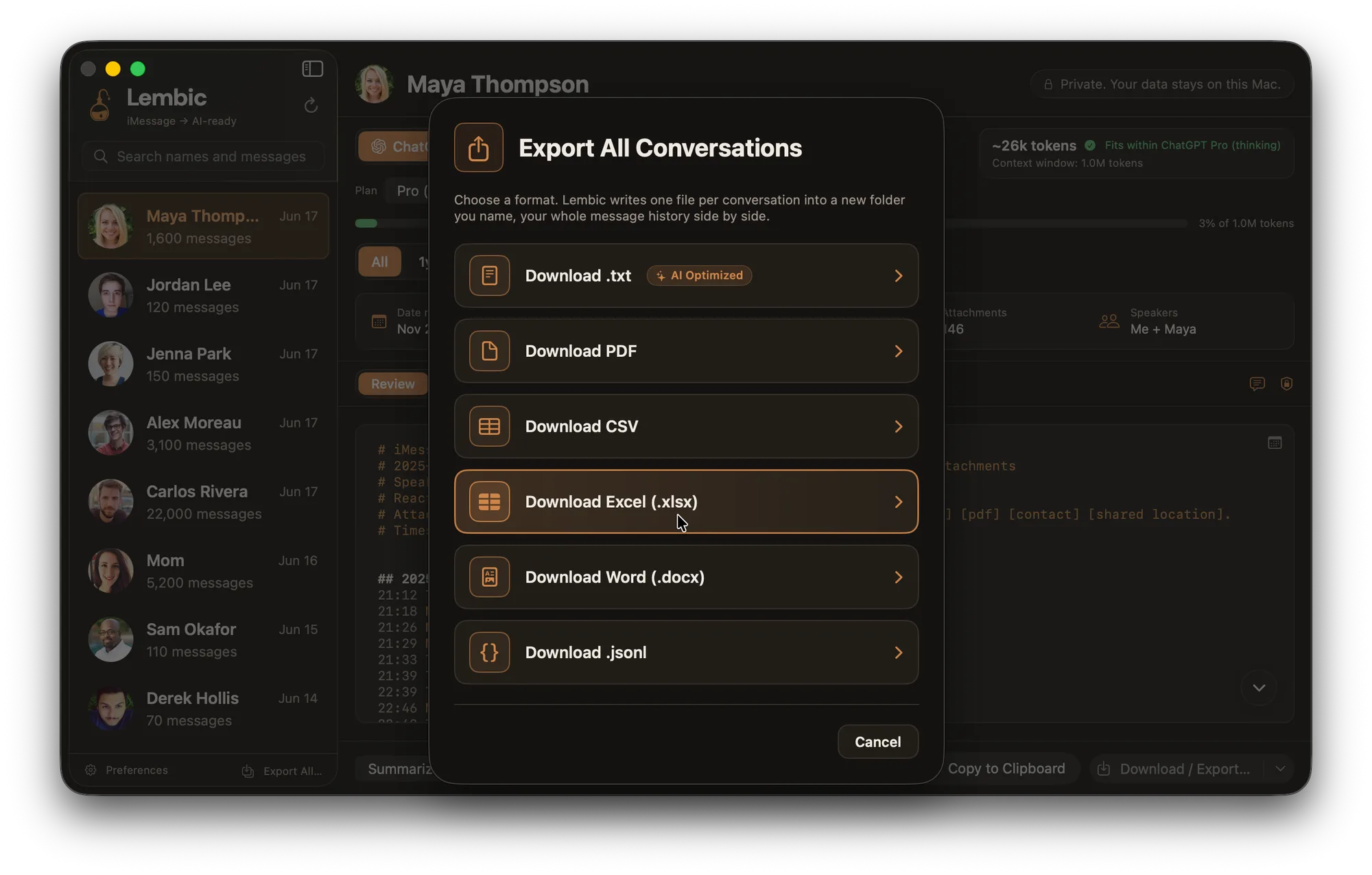
Pick a conversation, choose a format, and Lembic writes the file on your Mac. One file per conversation, or your whole history at once.
A clean, readable document for sharing, printing, or keeping.
CSV
One row per message. Sort and filter it in Numbers or Excel.
Word (.docx)
An editable document you can mark up and pass along.
Excel (.xlsx)
A real spreadsheet, columns and all, ready to work with.
Plain text (.txt)
Simple and portable. Opens anywhere, keeps nothing extra.
JSONL
Structured, one message per line, for data work and scripts.
Pick the conversation
Lembic reads Messages on your Mac and lists every thread by contact name. Choose one, or select your whole history.
Choose a format
PDF, CSV, Word, Excel, plain text, or JSONL. Set a date range if you only want part of the thread.
Export to your Mac
Lembic writes the file, or one file per conversation, into a folder you name. Nothing is uploaded.
PRIVACY
Your messages never leave your Mac.
Lembic has no backend. It opens your Messages database in place, reads it, and writes the export to your Mac. There is no server, because there is nothing to upload to.
The engine that reads your messages is open source, so you can read it or compile it yourself. It uses the same Full Disk Access permission macOS gives Time Machine. You grant it once and can revoke it anytime.
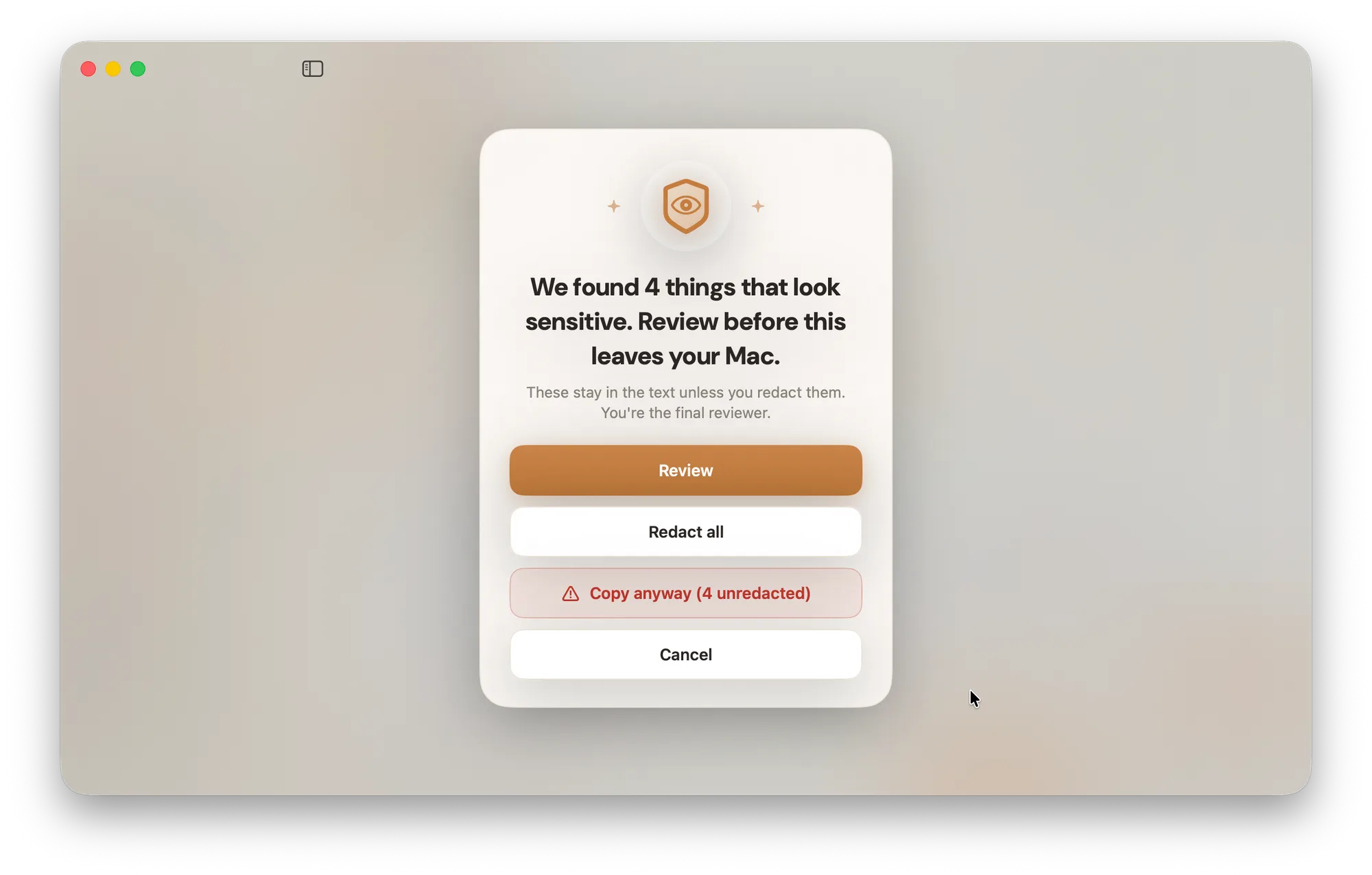
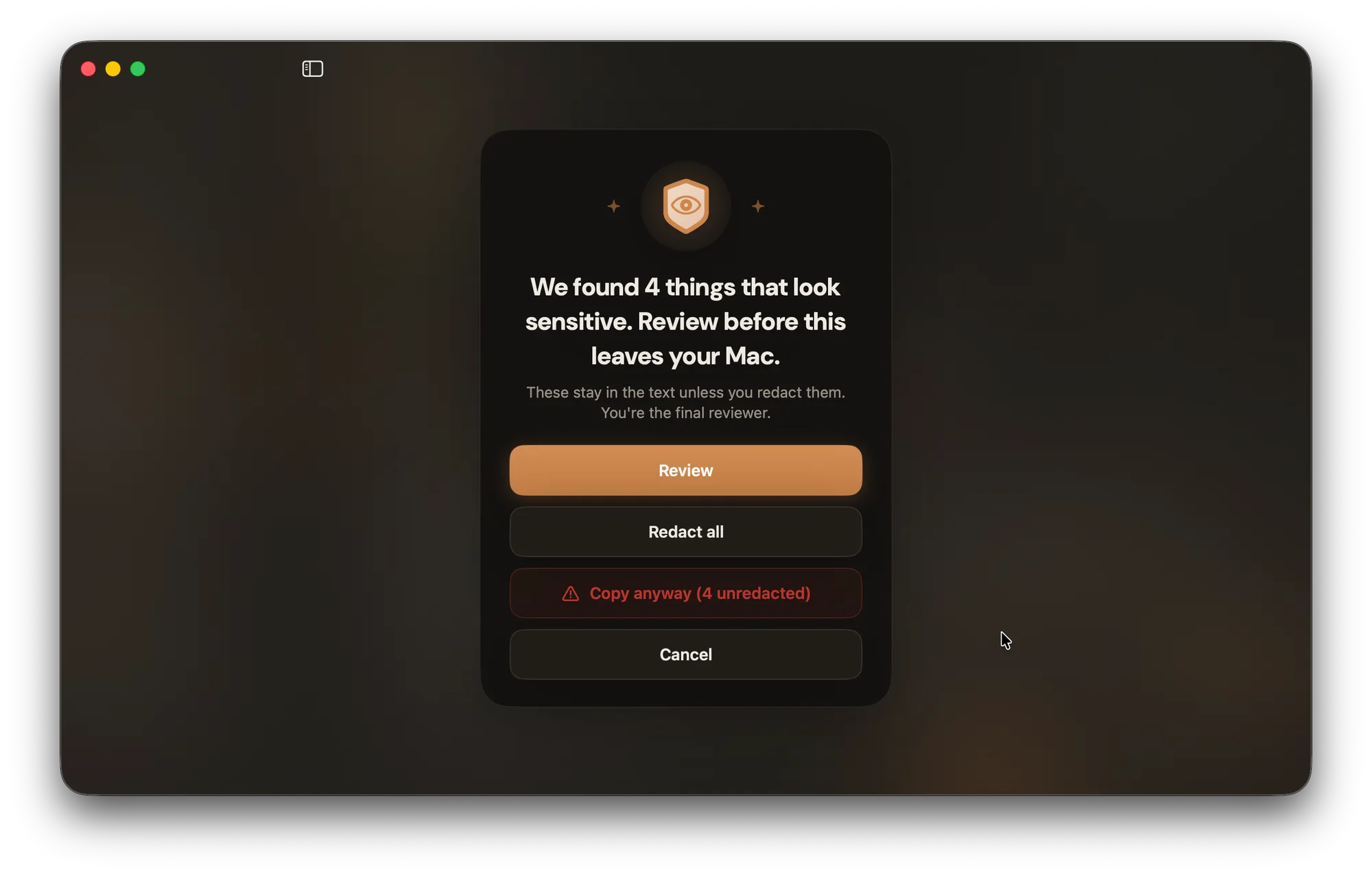
Before an export leaves your Mac, Lembic flags things that look sensitive, like passwords or account numbers, so you can review them first. You stay the final reviewer.
PRICING
Pay once. No subscription, ever.
A one-time purchase unlocks exporting. The first 500 buyers get 50% off with code FOUNDING50.
Pro
Every format, your whole history.
Founding price: 50% off $19.99, first 500
- ✓ Export to PDF, CSV, Word (.docx), and Excel (.xlsx)
- ✓ Plain text (.txt) and JSONL too
- ✓ Your entire message history at once, one file per conversation
- ✓ Any one-to-one or group chat, whole thread or by date range
- ✓ Unlimited exports and free updates
Only need plain text? Standard exports clean .txt and JSONL files for $7.49, founding, normally $14.99.
Every plan: 100% on-device · open-source engine · free updates · 30-day money-back guarantee at launch. Lembic reads macOS's local Messages database; if Apple changes or removes it, the app may stop working. Refunds within 30 days only.
Get your messages out today.
Download Lembic for your Mac. Free to download and explore, and a one-time purchase unlocks exporting.
100% on-device · open-source engine · no subscription
iMessage export FAQ
- Can you export an entire iMessage conversation?
- Yes. Lembic exports a full thread start to finish, including dates, names, reactions, and attachments. With Pro you can export your entire message history in one pass, one file per conversation.
- How do I export iMessages to PDF?
- Open Lembic, pick the conversation, choose PDF, and export. The file is written to a folder on your Mac. The same steps produce CSV, Word, or Excel.
- Can I export iMessages to CSV or Excel?
- Yes. Lembic exports to CSV and to Excel (.xlsx) with one row per message, so you can sort, filter, or analyze the conversation in a spreadsheet.
- Can I export iMessages without iMazing?
- Yes. iMazing now charges a yearly subscription. Lembic is a one-time purchase and exports the same formats, so you are not paying every year to reach your own messages.
- Do I need to use the Terminal?
- No. Free tools like imessage-exporter are good but command-line only. Lembic is a normal Mac app: click a conversation, click export.
- Where do my messages go? Is the export private?
- Everything happens on your Mac. Lembic has no server and uploads nothing. The export is written to a folder you choose, and the engine that reads your messages is open source.
- Can I export group chats and attachments?
- Yes. Group threads export the same way as one-to-one chats, and attachments like photos and links are handled cleanly.
- How do I export iMessages that are on my iPhone?
- Lembic reads the messages synced to your Mac. Turn on Messages in iCloud so your iPhone history syncs across, then export from your Mac. The setup steps walk through it.
- What if I only need a single printout?
- Then you may not need Lembic. For one screen, the macOS Print to PDF option is free and fine. Lembic is for exporting whole conversations, or your entire history, in a format you can actually work with.